GNX Front Switchboard Module – General Aviation (FSM-GA)
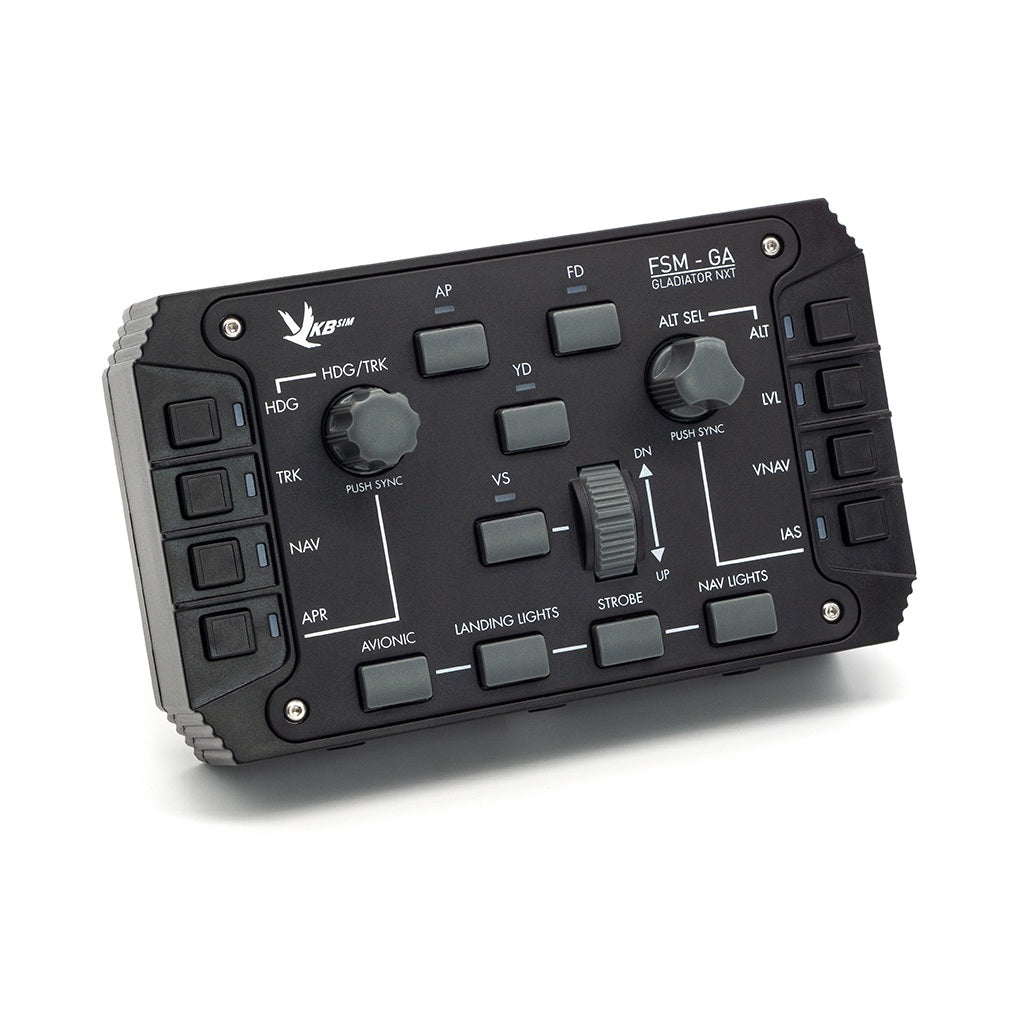
GNX Front Switchboard Module - General Aviation (FSM-GA)
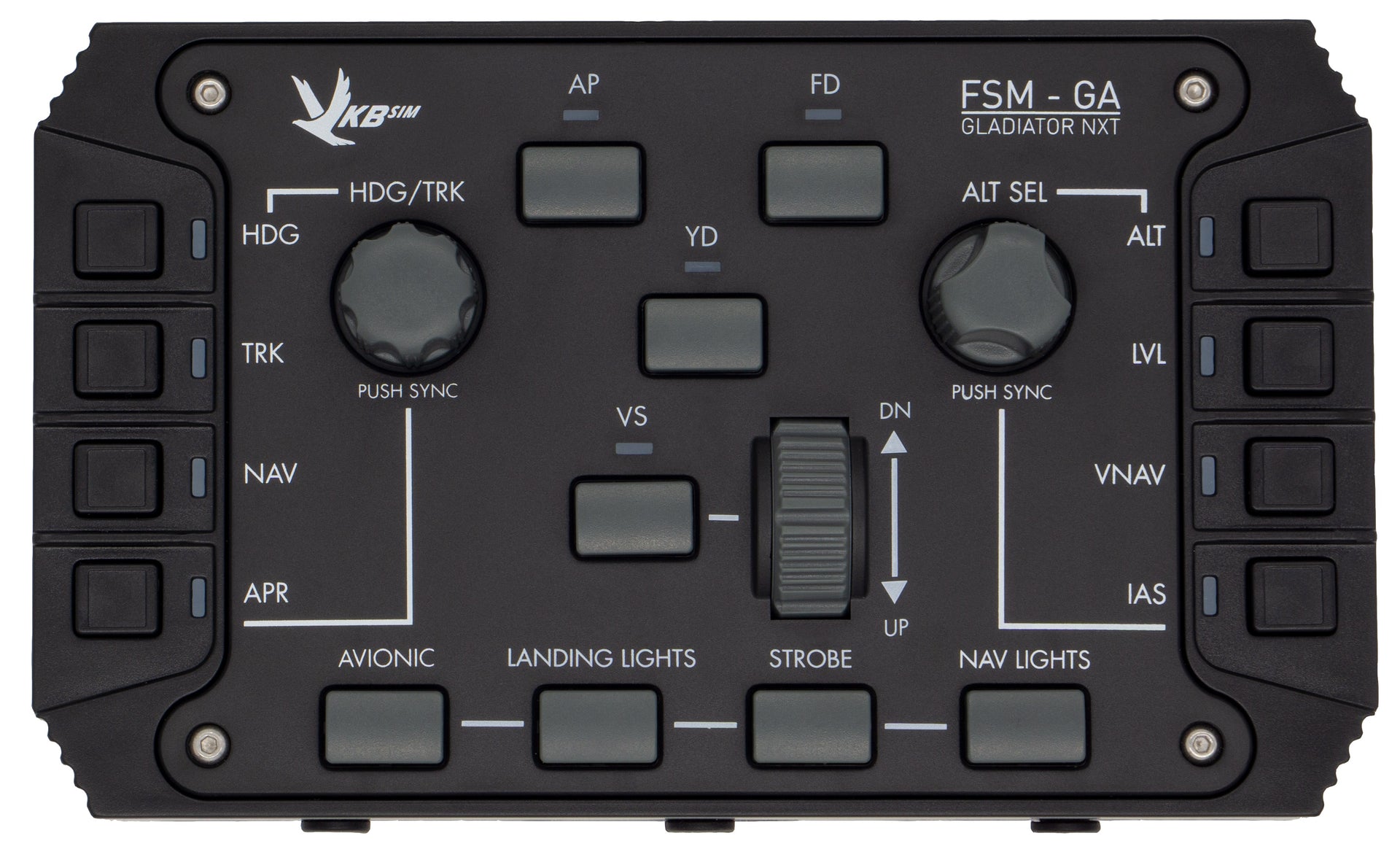
The GNX Front Switchboard Module – General Aviation adds a new level of realism to the passionate flight and space pilot.
While the FSM-GA was designed with General Aviation pilots in mind, the module is highly configurable to suit any flight and space sim cockpit.
IMPORTANT - CONNECTIVITY:
The FSM-GA can only be connected in the following 3 ways:
1. Out of the box the FSM-GA can only be connected to another GNX module (SEM, THQ) with a free USB-C port, ie. this GNX module must have been upgraded with a USB Controller. Connection is via the included USB-C to USB-C cable.
2. The FSM-GA can connect to another GNX module (SEM, THQ) via a USB-C to JST cable. This cable must be purchased separately here.
3. The FSM-GA can be upgraded with a USB Controller for direct connection to the PC. The USB Controller must be purchased separately.
Includes
- FSM-GA Module
- Type-C Connector Guard
- GNX Module-to-Module Interface Cable (Type-C to Type-C)
Recommendations
- Make sure you have a GNX MFH to attach the module.
- Keep in mind that you cannot connect vertical GNX modules directly to a Gladiator NXT/EVO joystick. Instead, connect them to a GNX tabletop module (THQ or SEM) that is attached to a Gladiator NXT/EVO joystick.
- If you want to use a GNX module on its own, directly connected to your PC, you'll need to separately purchase and install a GNX USB Controller (HID-Main) to replace the module's default GNX BUS Interface.
Vertical module:
- Requires GNX MFH (Multi Functional Holder) in order to mount module
- Cannot be attached side-by-side to other GNX modules
Specifications
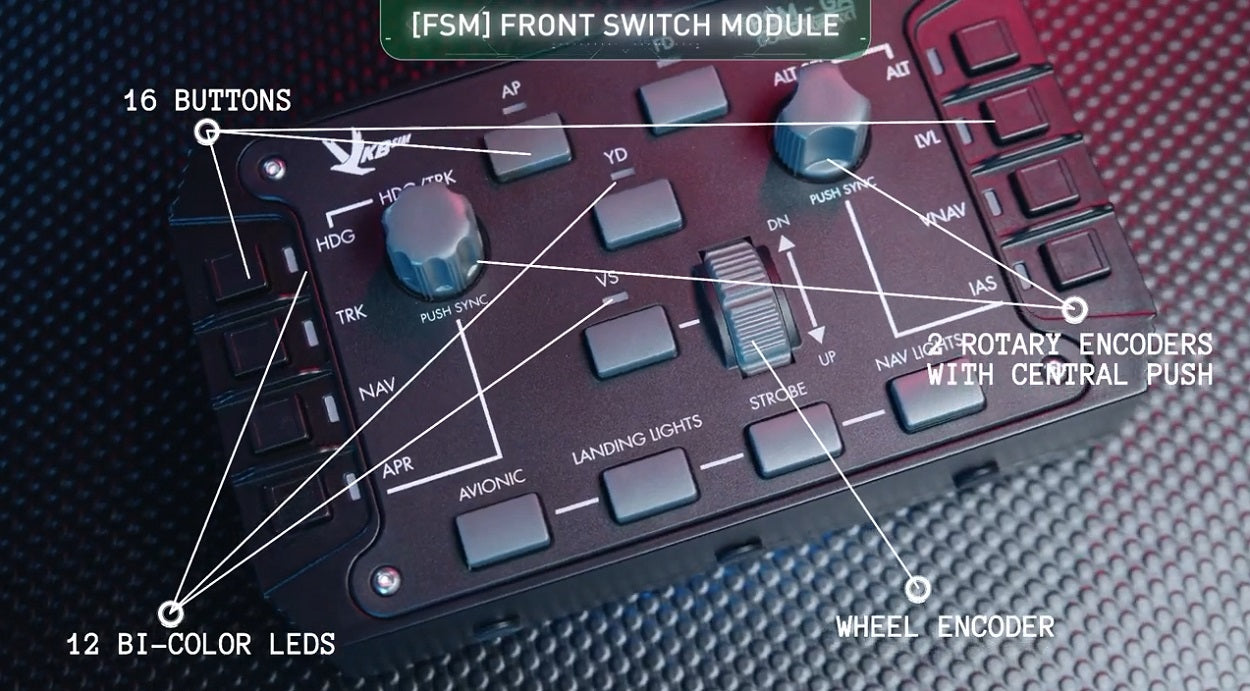
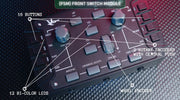
- 2 Rotary encoder knobs with push button
- 1 Wheel encoder
- 16 Push buttons
- 12 bi-coloured LEDs

Connectivity
- GNX BUS Connection (included)
–OR– - USB Connection - requires GNX USB Controller (HID-Main)
Important: Unlike the THQ and SEM modules, the FSM-GA does not have any axis controls. Therefore, a GNX USB Controller is not required to support the FSM-GA. Please check the information on the GNX USB Controller page.
Compatible with
- Gladiator NXT Standard or Premium
- UCM Stronghold
- GNX USB Controller (HID-Main)
Contents
- FSM-GA Module
- Type-C connector guard
- GNX BUS (Type-C)-(Type-C) Interface Cable
Instructions
Downloads
Warranty
- 1 Year